Prerequisites & Limits
The exact rate and applicability can vary. Mochatrade doesn't give tax advice.
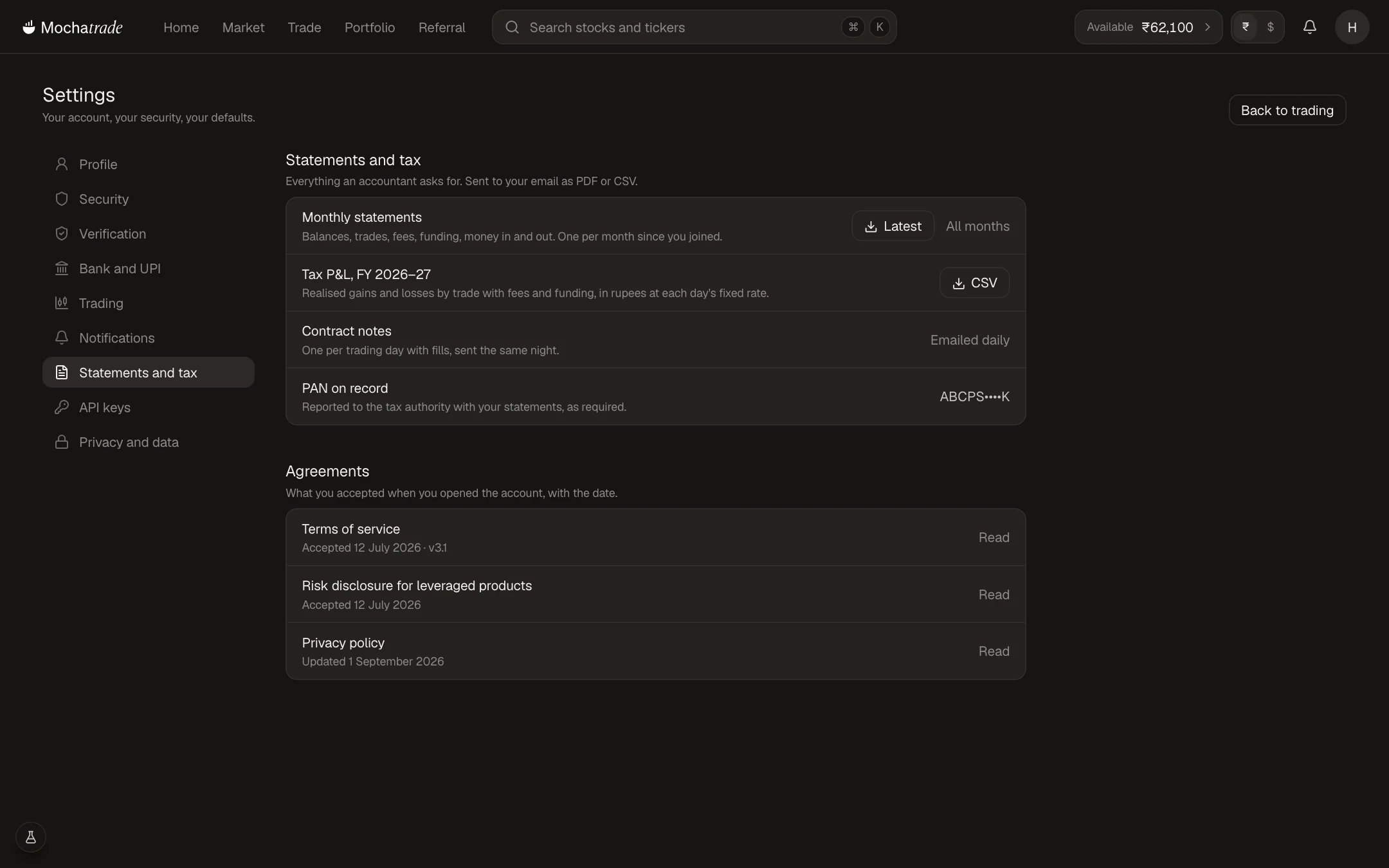
Your Tax P&L lists realised gains and losses with fees and funding, in rupees.
Your PAN on record is reported to the tax authority with your statements, as required.
Step-by-Step Navigation
Sign in at mochatrade.com or download the app and open Settings → Statements and tax.
Click CSV next to Tax P&L for the financial year.
Share it, with your monthly statements, with your tax professional.
Common Failures & Troubleshooting
TDS looks different from what I expected: It depends on the transaction type. Check with a tax advisor.
Missing figures for a period: Check the financial year you downloaded. If it's still missing, contact support.