Prerequisites & Limits
No open positions or open orders.
Your wallet balance withdrawn to your verified bank account.
Processing time: Once you click Close Account and enter PIN, your account will be closed instantly.
Step-by-Step Navigation
Close all positions and cancel open orders.
Withdraw your available balance.
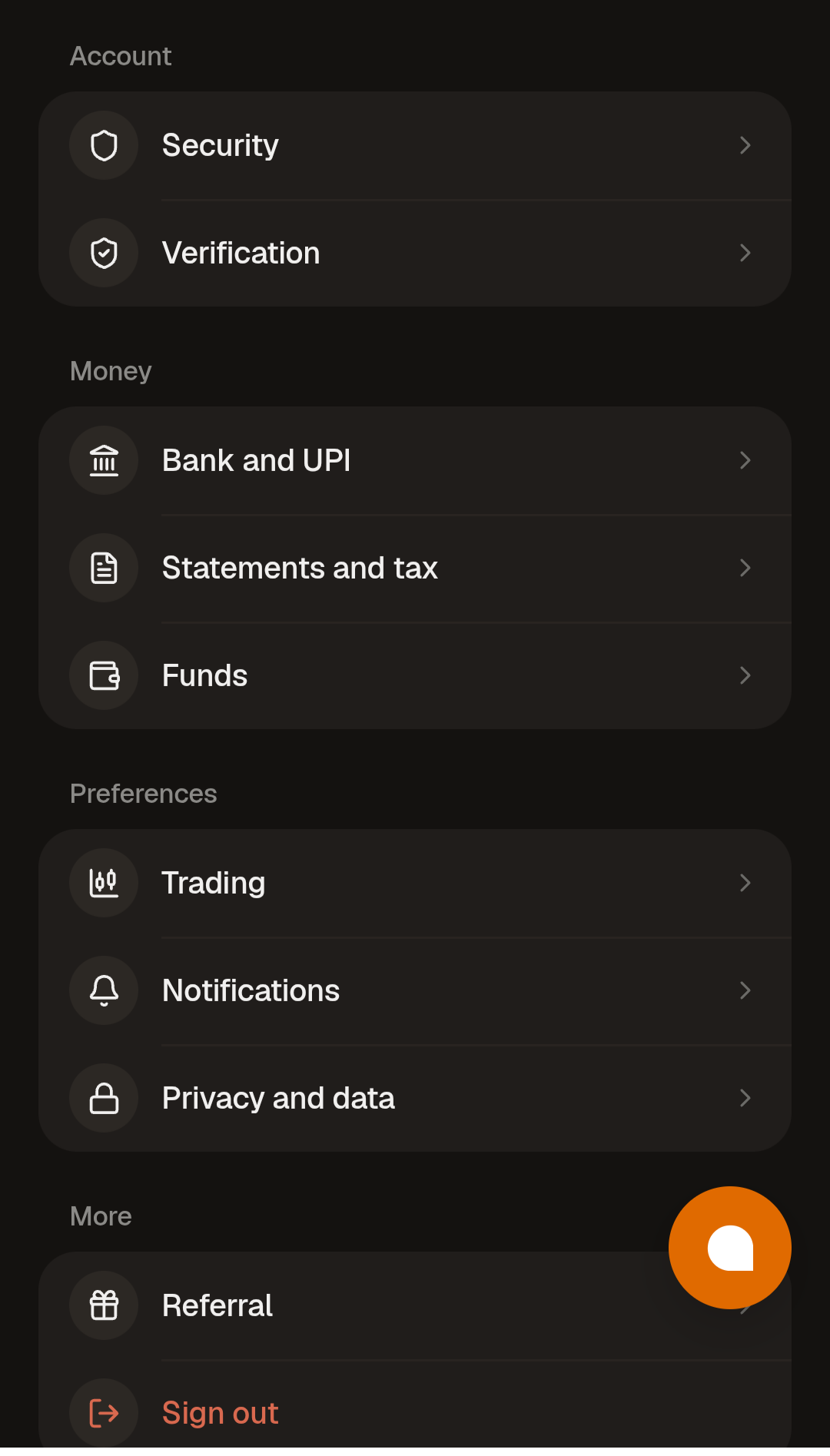
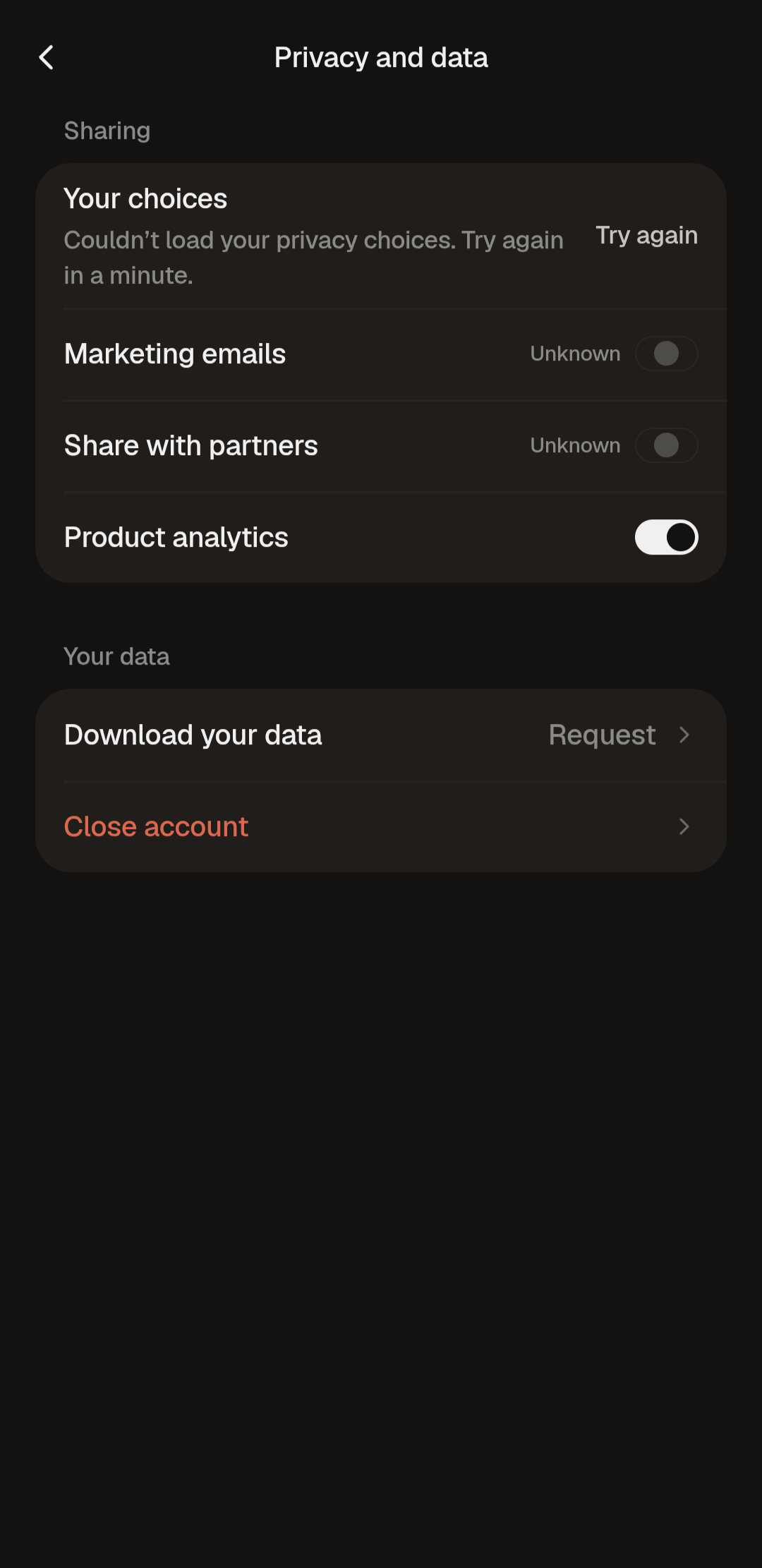
Go to Settings → Privacy and data and click on close account.
Common Failures & Troubleshooting
Closure request blocked: You still have an open position, open order or balance. Clear these first.