How to Check Your KYC Status (and What to Do If It's Rejected)
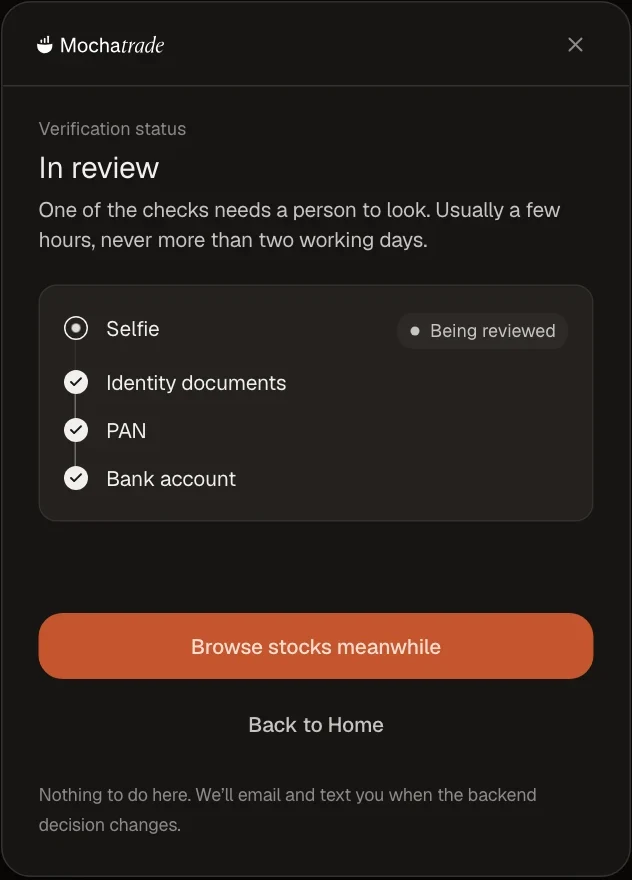
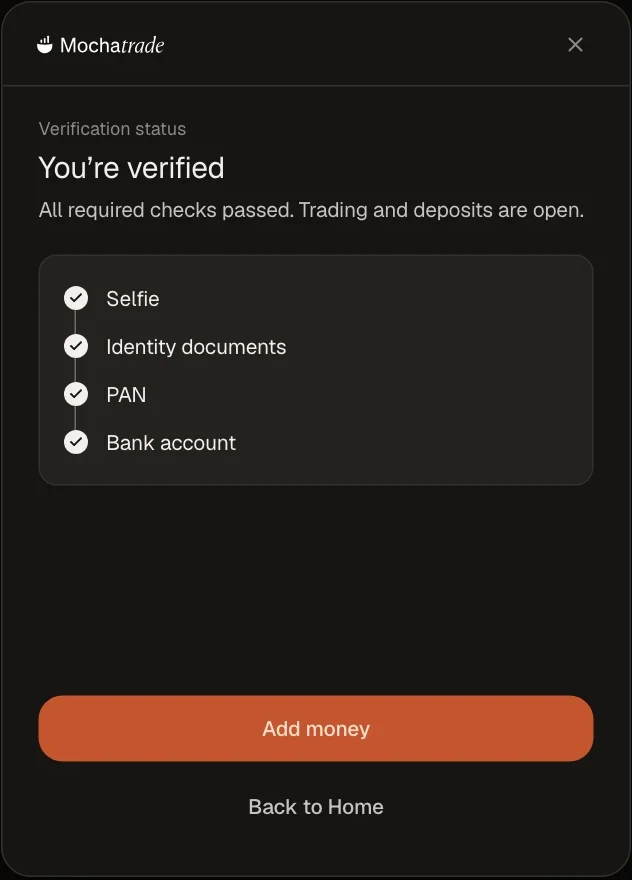
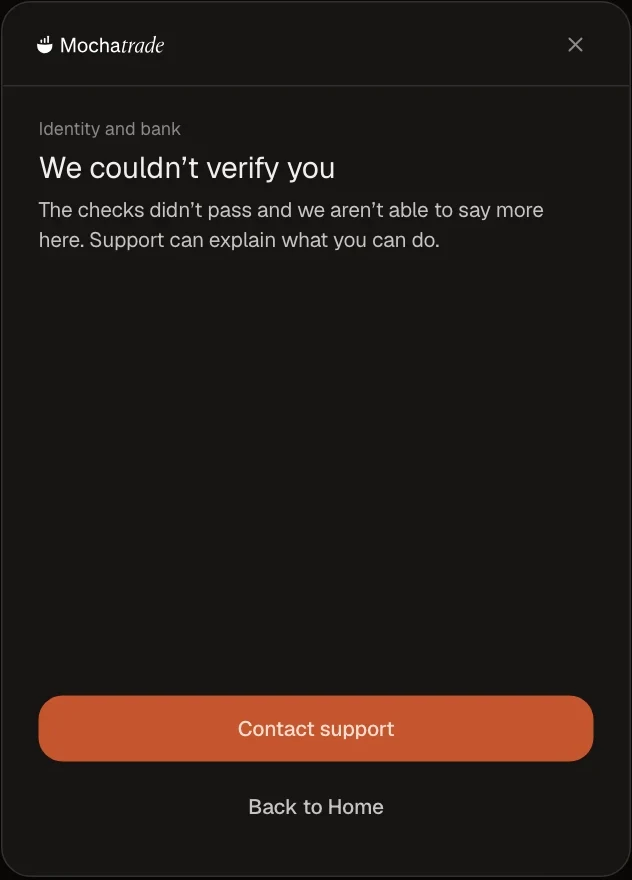
Check your status under Settings → Verification. In review means a person is looking (usually a few hours, never more than two working days). If it fails, contact support.
Prerequisites & Limits
A submitted verification.
Step-by-Step Navigation
Sign in at mochatrade.com or download the app and open Settings → Verification.
Check the Status: In review, Verified, or Couldn't verify.
If it says Couldn't verify, click Contact support.
Verification in reviewYou're verifiedWhen verification fails
Common Failures & Troubleshooting
Still In review after two working days: Contact support.
Couldn't verify: We can't share the reason on screen. Support can explain what you can do next.
Chat with support
Open a live chat from this page. You’ll get a reply in seconds, and if it needs a closer look, our team takes it from there.
Early access
Request Access
Enter your phone number to join the Mochatrade waitlist.